8 Ports USB PCIe Card PCIe USB 3.2/3.1 Gen 2 Card (4X USBC - 4X Type A),10Gbps Bandwidth PC Internal hub for Windows Linux Mac (Silver) Custom Product

8 Ports USB PCIe Card PCIe USB 3.2/3.1 Gen 2 Card (4X USBC - 4X Type A),10Gbps Bandwidth PC Internal hub for Windows Linux Mac (Silver)

8 Ports USB PCIe Card PCIe USB 3.2/3.1 Gen 2 Card (4X USBC - 4X Type A),10Gbps Bandwidth PC Internal hub for Windows Linux Mac (Silver)

Seller Price Buy
In Stock
$49.79
Buy
Last updated 12 minutes ago.

* Pangoly may earn a commission when you use one of the links to make a purchase. (Disclosure)

* Product prices and availability are subject to change frequently. Any price and availability information displayed on Amazon at the time of purchase will apply.
Price Alert

$

Price alerts are not available for Amazon.

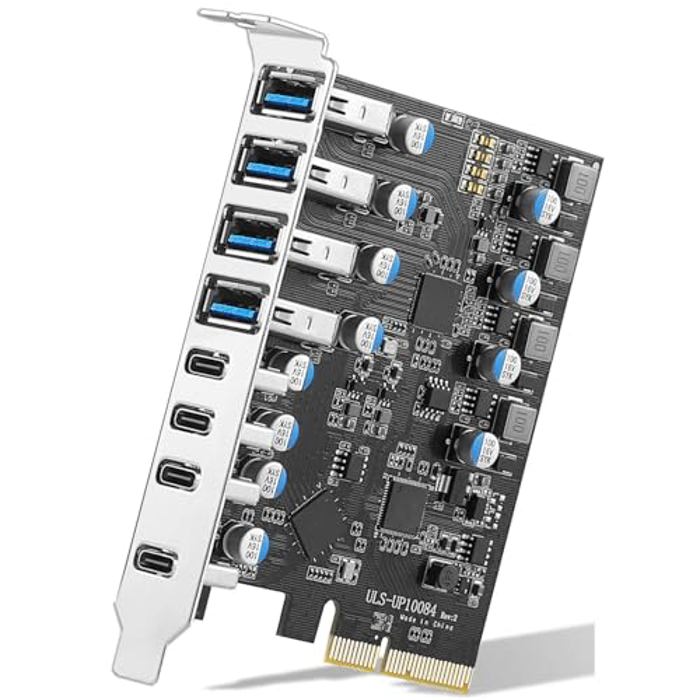
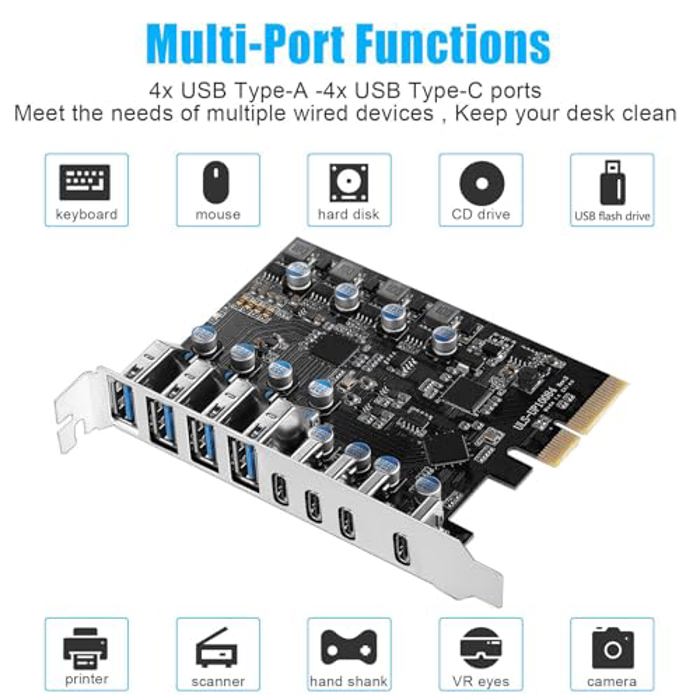
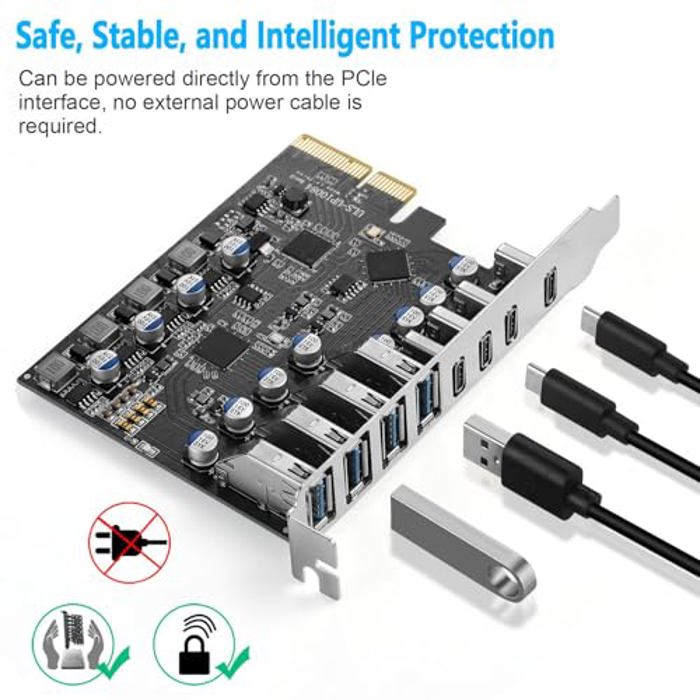
  • 8 Port PCIe USB Card: Allows you to expansion 4 USB Type-A ports and 4 USB Type C ports in PCIe x4 card slots of desktop PCs, workstations, and NAS data centers. This enables more wired USB peripherals to be hooked up to your computer system. (Only supports the transmission of data signals, not video signals, Thunderbolt protocol, monitor.)
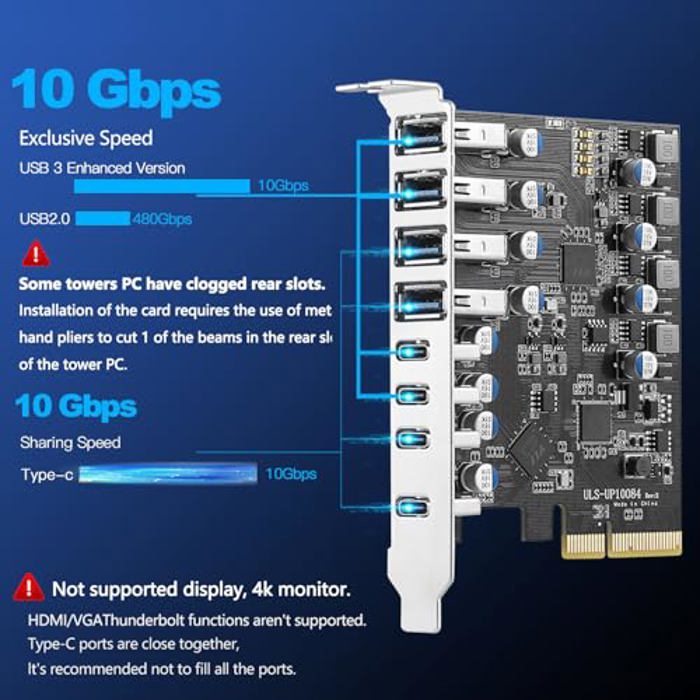
  • High Speed Transmission: The PCIe USB 3.2 / 3.1 gen 2 Card is equipped with a bandwidth of 10Gbps that ensures fast data transfer. A must-have for external hard drives and ideal for file backup, video editing and data recovery
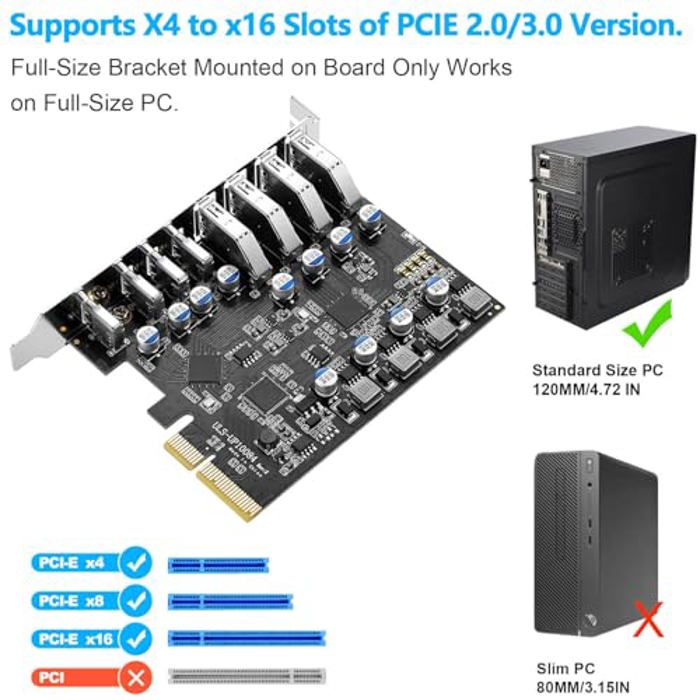
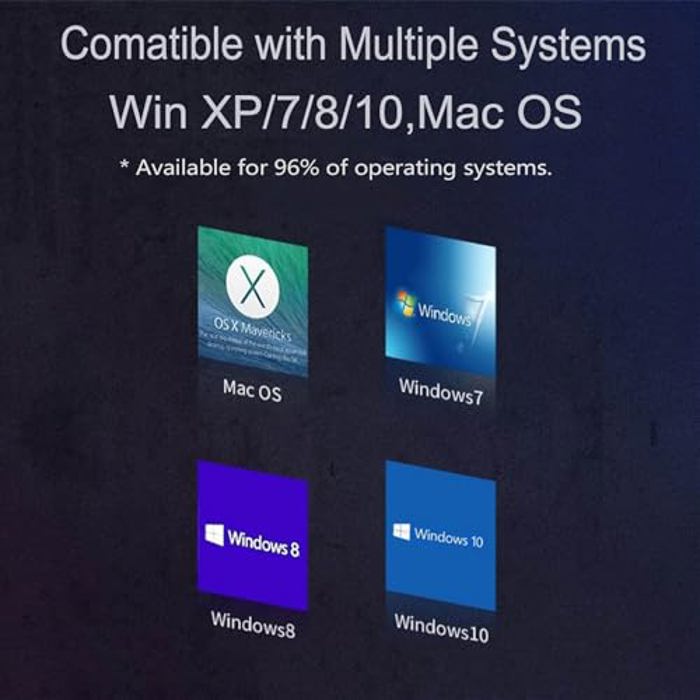
  • Compatible System: Supports Windows XP/Vista/2008 Server/7/8/10 and Mac Pro 4.1,5.1,7.1(models 2010 to 2020) / Linux , Rocky Linux 9.3,Mint ,Ubuntu 20.04 Operating System.Note: Windows XP,/Vista/7, Server,requires driver installation, Windows 10 /11, most Linux kernels, Mac OS 10.8.2 or above plug and play.PCIe USB 3.2/3.1 Gen 2 card support insertion into PCI Express x4, x8, or x16 slots inside the motherboard.. Please let me know if you encounter compatibility issues/it doesn't work, let me konw
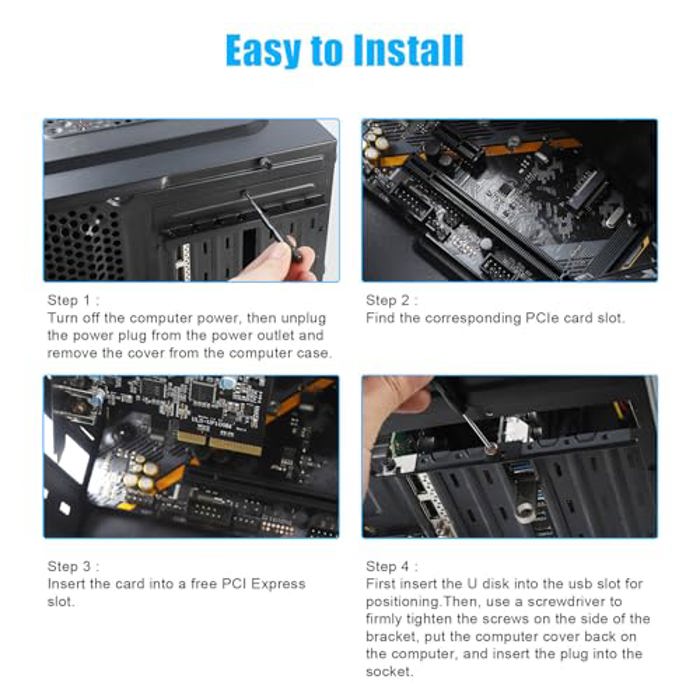
  • Installation: Turn off the PC and unplug the power plug from the socket, remove the PC case, insert the card into the PCI-E slot,Since the card USB A port is vertical, Insert the U disk/usb cable into the usb slot for positioning. tighten the screws, close the PC case cover, turn on the PC and install the driver. For the narrow rear slot area of the PC host,you need to just cut the crossbar between the 2 slots with small sheet metal hand pliers
  • 【What You Get】Packing List: 1 x 8 Ports USB PCIe Card,1 x CD drive,1 x mounting screws and 1 x user manual. In addition, this card comes with an industry-leading 2 years-product-care and 24/7 technical-support
 image 1
 image 2
 image 3
 image 4
 image 5
 image 6
 image 7
PCIe USB 3.2/3.1 Gen 2 Card thumbnail 1
PCIe USB 3.2/3.1 Gen 2 Card thumbnail 2
PCIe USB 3.2/3.1 Gen 2 Card thumbnail 3
PCIe USB 3.2/3.1 Gen 2 Card thumbnail 4
PCIe USB 3.2/3.1 Gen 2 Card thumbnail 5
PCIe USB 3.2/3.1 Gen 2 Card thumbnail 6
PCIe USB 3.2/3.1 Gen 2 Card thumbnail 7

Info

Model PCIe USB 3.2/3.1 Gen 2 Card

x