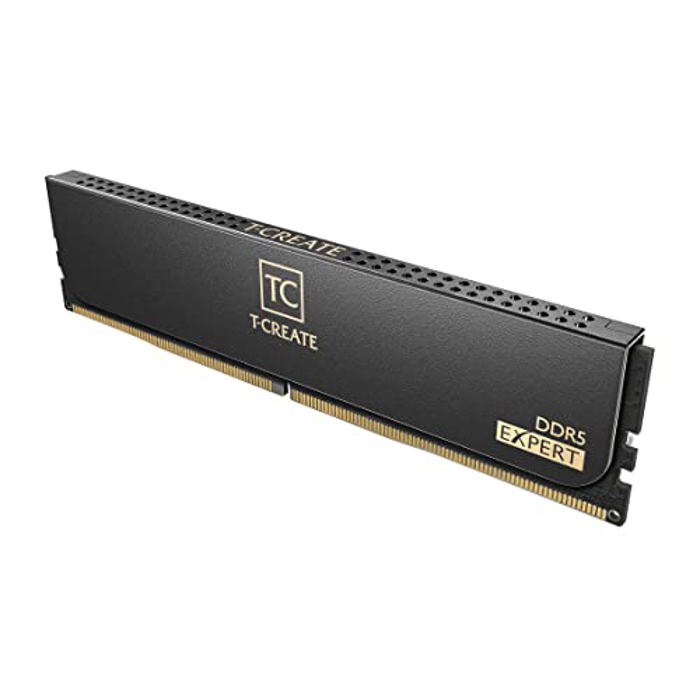
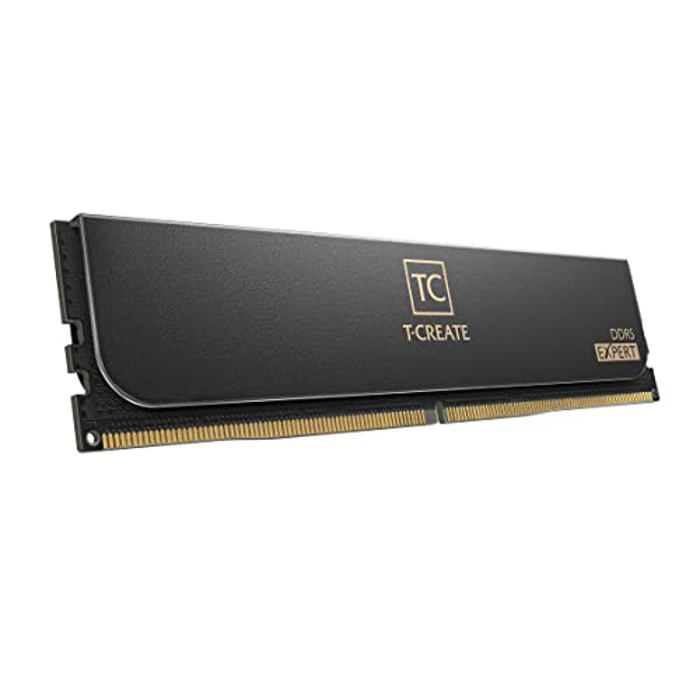
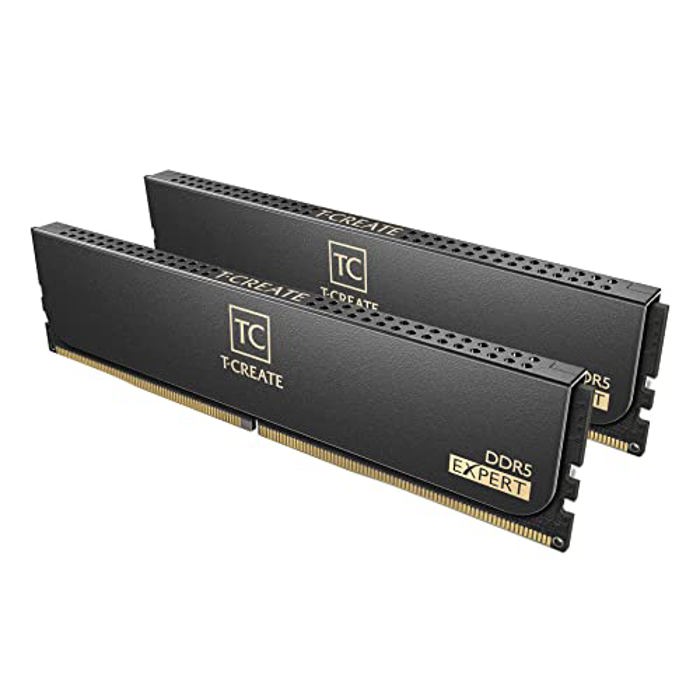
TEAMGROUP T-Create Expert Overclocking 10L 32GB (2 x 16GB) DDR5 6000MHz

TEAMGROUP T-Create Expert Overclocking 10L 32GB (2 x 16GB) DDR5 6000MHz (PC5-48000) CL30 Black CTCED532G6000HC30DC01

TEAMGROUP T-Create Expert Overclocking 10L 32GB (2 x 16GB) DDR5 6000MHz (PC5-48000) CL30 Black CTCED532G6000HC30DC01

Seller Price Buy
In Stock
$449.99 $479.99
+Free shipping
Buy
$30.00 off w/ promo code: CYGF278, ends 6/6
In Stock
$479.00
+Free shipping
Buy

* Pangoly may earn a commission when you use one of the links to make a purchase. (Disclosure)

Price Alert

$

Price alerts are not available for Amazon.

  • A redefinition of everything by outstanding performance
  • Design for releasing unlimited creativity
  • Every recognition of memory overturned
  • Reliable performance
  • Lifetime warranty for maximum protection

Specifications Overview

Model CTCED532G6000HC30DC01
Type 288-pin DDR5 DIMM
Speed DDR5-6000 MHz
Size 32GB (2 x 16GB)
CAS Latency 30
Timing 30-36-36-76
First Word Latency 10 ns
Voltage 1.35 V
Heat Spreader Yes
ECC Support No

RAM First Word Latency Table (nanoseconds)

Latency is measured in nanoseconds, which is a combination of frequency and CAS. Both frequency increases and latency decreases result in better system performance (when latency is the same, always prefer higher frequency if possible).

Frequency (MT/s)

4400 4800 5000 5200 5600 6000 6200 6400 6600 6800 7000 7200 7400 7600
30 13.64 12.50 12.00 11.54 10.71 10.00 9.68 9.38 9.09 8.82 8.57 8.33 8.11 7.89
31 14.09 12.92 12.40 11.92 11.07 10.33 10.00 9.69 9.39 9.12 8.86 8.61 8.38 8.16
32 14.55 13.33 12.80 12.31 11.43 10.67 10.32 10.00 9.70 9.41 9.14 8.89 8.65 8.42
33 15.00 13.75 13.20 12.69 11.79 11.00 10.65 10.31 10.00 9.71 9.43 9.17 8.92 8.68
34 15.45 14.17 13.60 13.08 12.14 11.33 10.97 10.63 10.30 10.00 9.71 9.44 9.19 8.95
35 15.91 14.58 14.00 13.46 12.50 11.67 11.29 10.94 10.61 10.29 10.00 9.72 9.46 9.21
36 16.36 15.00 14.40 13.85 12.86 12.00 11.61 11.25 10.91 10.59 10.29 10.00 9.73 9.47
37 16.82 15.42 14.80 14.23 13.21 12.33 11.94 11.56 11.21 10.88 10.57 10.28 10.00 9.74
38 17.27 15.83 15.20 14.62 13.57 12.67 12.26 11.88 11.52 11.18 10.86 10.56 10.27 10.00
39 17.73 16.25 15.60 15.00 13.93 13.00 12.58 12.19 11.82 11.47 11.14 10.83 10.54 10.26
40 18.18 16.67 16.00 15.38 14.29 13.33 12.90 12.50 12.12 11.76 11.43 11.11 10.81 10.53
41 18.64 17.08 16.40 15.77 14.64 13.67 13.23 12.81 12.42 12.06 11.71 11.39 11.08 10.79
42 19.09 17.50 16.80 16.15 15.00 14.00 13.55 13.13 12.73 12.35 12.00 11.67 11.35 11.05
43 19.55 17.92 17.20 16.54 15.36 14.33 13.87 13.44 13.03 12.65 12.29 11.94 11.62 11.32
44 20.00 18.33 17.60 16.92 15.71 14.67 14.19 13.75 13.33 12.94 12.57 12.22 11.89 11.58
45 20.45 18.75 18.00 17.31 16.07 15.00 14.52 14.06 13.64 13.24 12.86 12.50 12.16 11.84
46 20.91 19.17 18.40 17.69 16.43 15.33 14.84 14.38 13.94 13.53 13.14 12.78 12.43 12.11
47 21.36 19.58 18.80 18.08 16.79 15.67 15.16 14.69 14.24 13.82 13.43 13.06 12.70 12.37
48 21.82 20.00 19.20 18.46 17.14 16.00 15.48 15.00 14.55 14.12 13.71 13.33 12.97 12.63
49 22.27 20.42 19.60 18.85 17.50 16.33 15.81 15.31 14.85 14.41 14.00 13.61 13.24 12.89
50 22.73 20.83 20.00 19.23 17.86 16.67 16.13 15.63 15.15 14.71 14.29 13.89 13.51 13.16
51 23.18 21.25 20.40 19.62 18.21 17.00 16.45 15.94 15.45 15.00 14.57 14.17 13.78 13.42
52 23.64 21.67 20.80 20.00 18.57 17.33 16.77 16.25 15.76 15.29 14.86 14.44 14.05 13.68
CAS (clock cycles) Lower latency means faster memory.

Distribution of First Word Latencies for Similar RAM Modules

The histogram below shows the distribution of first word latencies (in nanoseconds) for all RAM modules of the same DDR type and frequency in our database. Each bar represents the number of modules that fall within a specific latency range. The highlighted bar indicates the latency of the currently selected RAM module.

Cheapest alternatives with equal or better performance

Same latency

Same latency

Same latency


Compare TEAMGROUP T-Create Expert Overclocking 10L 32GB (2 x 16GB) DDR5 6000MHz with similar Memory

View more comparisons ►

x