8 Ports USB PCIe Card PCIe USB 3.2/3.1 Gen 2 Card (4X USBC - 4X Type A),10Gbps Bandwidth PC Internal hub for Windows Linux Mac (Silver) Prodotto Custom

Are you visiting from United States? Go to the United States US site.
8 Ports USB PCIe Card PCIe USB 3.2/3.1 Gen 2 Card (4X USBC - 4X Type A),10Gbps Bandwidth PC Internal hub for Windows Linux Mac (Silver)

8 Ports USB PCIe Card PCIe USB 3.2/3.1 Gen 2 Card (4X USBC - 4X Type A),10Gbps Bandwidth PC Internal hub for Windows Linux Mac (Silver)

Non sono disponibili offerte nella tua regione selezionata. Altri venditori sono disponibili in un'altra regione geografica.
Venditore Prezzo Compra
Disponibile
$49,79
Compra
Ultimo aggiornamento 53 minuti fa.

* Pangoly potrebbe guadagnare una commissione quando utilizzi uno dei link per effettuare un acquisto. (Disclosure)

* I prezzi dei prodotti e la disponibilità sono soggetti a modifiche frequenti. Verranno applicate tutte le informazioni su prezzi e disponibilità visualizzate su Amazon al momento dell'acquisto.
Avviso cambio di prezzo

$

Gli alert di prezzo non sono disponibili per Amazon.

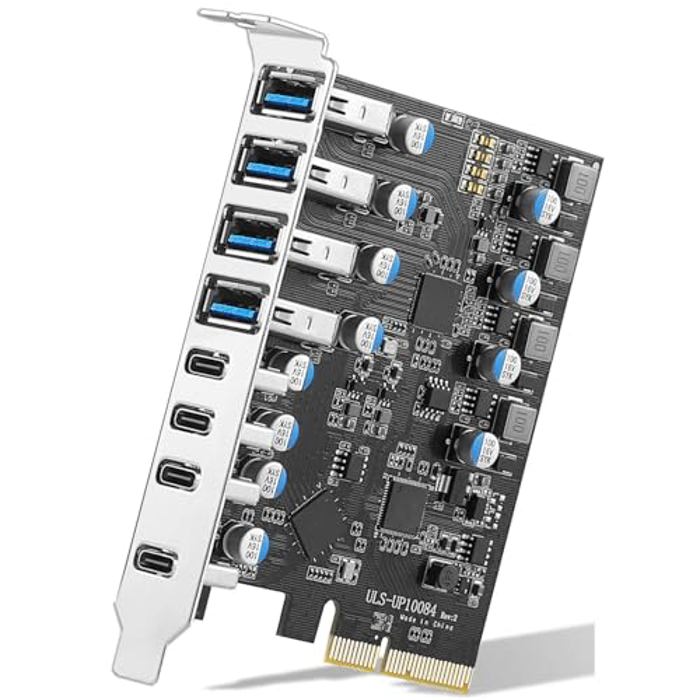
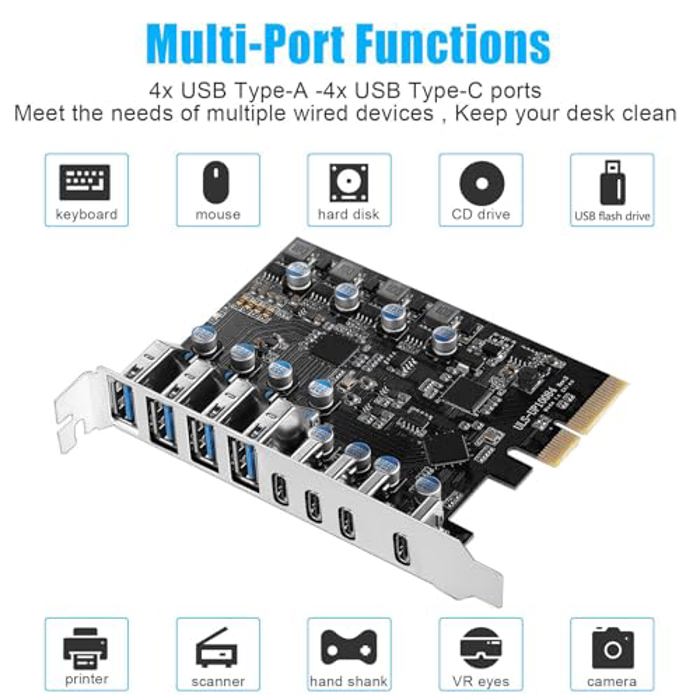
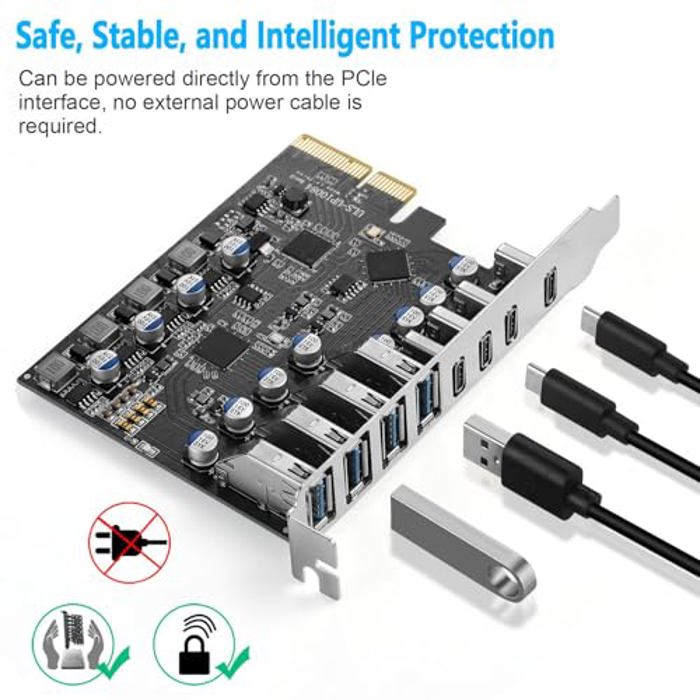
  • 8 Port PCIe USB Card: Allows you to expansion 4 USB Type-A ports and 4 USB Type C ports in PCIe x4 card slots of desktop PCs, workstations, and NAS data centers. This enables more wired USB peripherals to be hooked up to your computer system. (Only supports the transmission of data signals, not video signals, Thunderbolt protocol, monitor.)
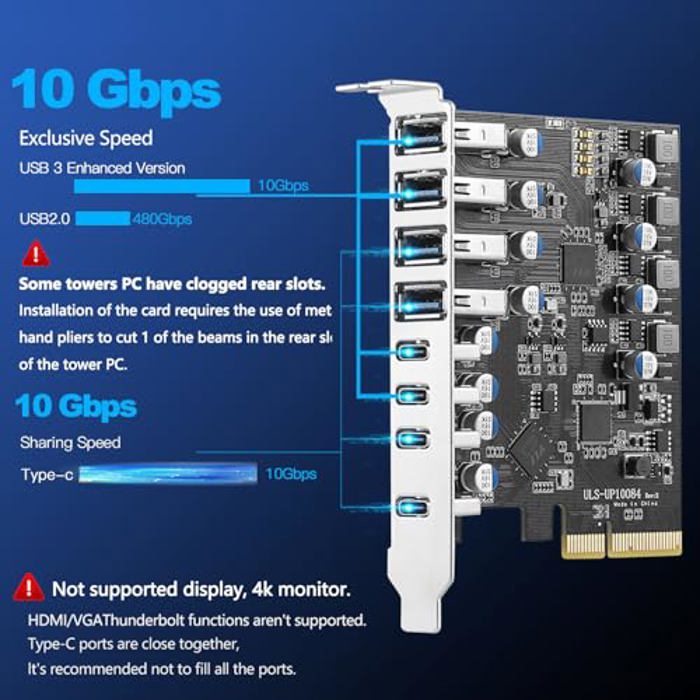
  • High Speed Transmission: The PCIe USB 3.2 / 3.1 gen 2 Card is equipped with a bandwidth of 10Gbps that ensures fast data transfer. A must-have for external hard drives and ideal for file backup, video editing and data recovery
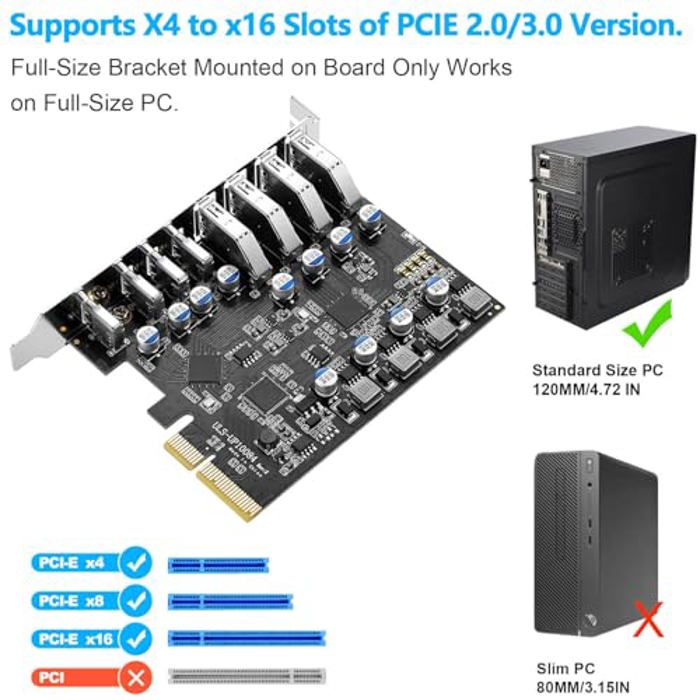
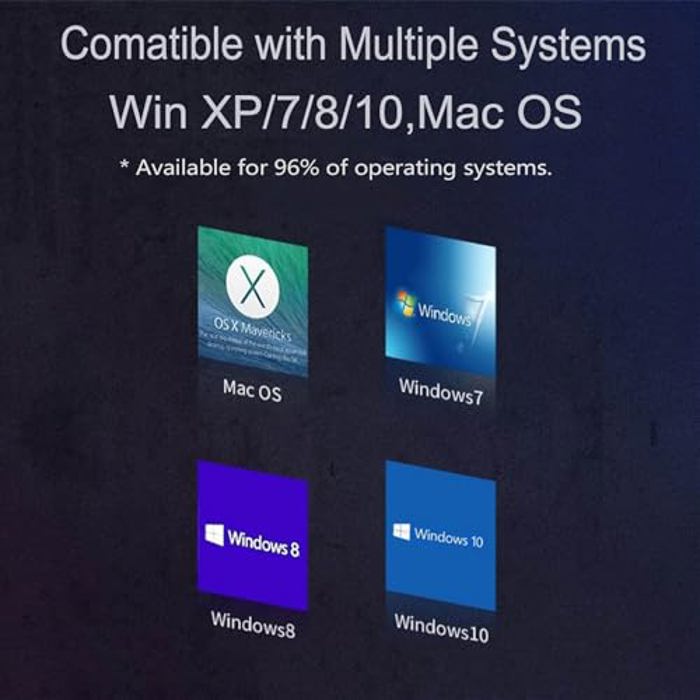
  • Compatible System: Supports Windows XP/Vista/2008 Server/7/8/10 and Mac Pro 4.1,5.1,7.1(models 2010 to 2020) / Linux , Rocky Linux 9.3,Mint ,Ubuntu 20.04 Operating System.Note: Windows XP,/Vista/7, Server,requires driver installation, Windows 10 /11, most Linux kernels, Mac OS 10.8.2 or above plug and play.PCIe USB 3.2/3.1 Gen 2 card support insertion into PCI Express x4, x8, or x16 slots inside the motherboard.. Please let me know if you encounter compatibility issues/it doesn't work, let me konw
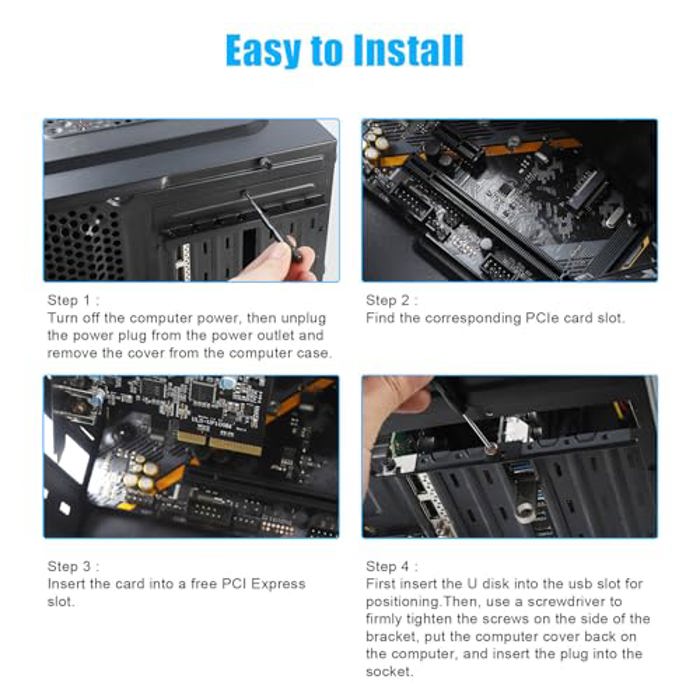
  • Installation: Turn off the PC and unplug the power plug from the socket, remove the PC case, insert the card into the PCI-E slot,Since the card USB A port is vertical, Insert the U disk/usb cable into the usb slot for positioning. tighten the screws, close the PC case cover, turn on the PC and install the driver. For the narrow rear slot area of the PC host,you need to just cut the crossbar between the 2 slots with small sheet metal hand pliers
  • 【What You Get】Packing List: 1 x 8 Ports USB PCIe Card,1 x CD drive,1 x mounting screws and 1 x user manual. In addition, this card comes with an industry-leading 2 years-product-care and 24/7 technical-support
 image 1
 image 2
 image 3
 image 4
 image 5
 image 6
 image 7
PCIe USB 3.2/3.1 Gen 2 Card thumbnail 1
PCIe USB 3.2/3.1 Gen 2 Card thumbnail 2
PCIe USB 3.2/3.1 Gen 2 Card thumbnail 3
PCIe USB 3.2/3.1 Gen 2 Card thumbnail 4
PCIe USB 3.2/3.1 Gen 2 Card thumbnail 5
PCIe USB 3.2/3.1 Gen 2 Card thumbnail 6
PCIe USB 3.2/3.1 Gen 2 Card thumbnail 7

Info

Modello PCIe USB 3.2/3.1 Gen 2 Card

x